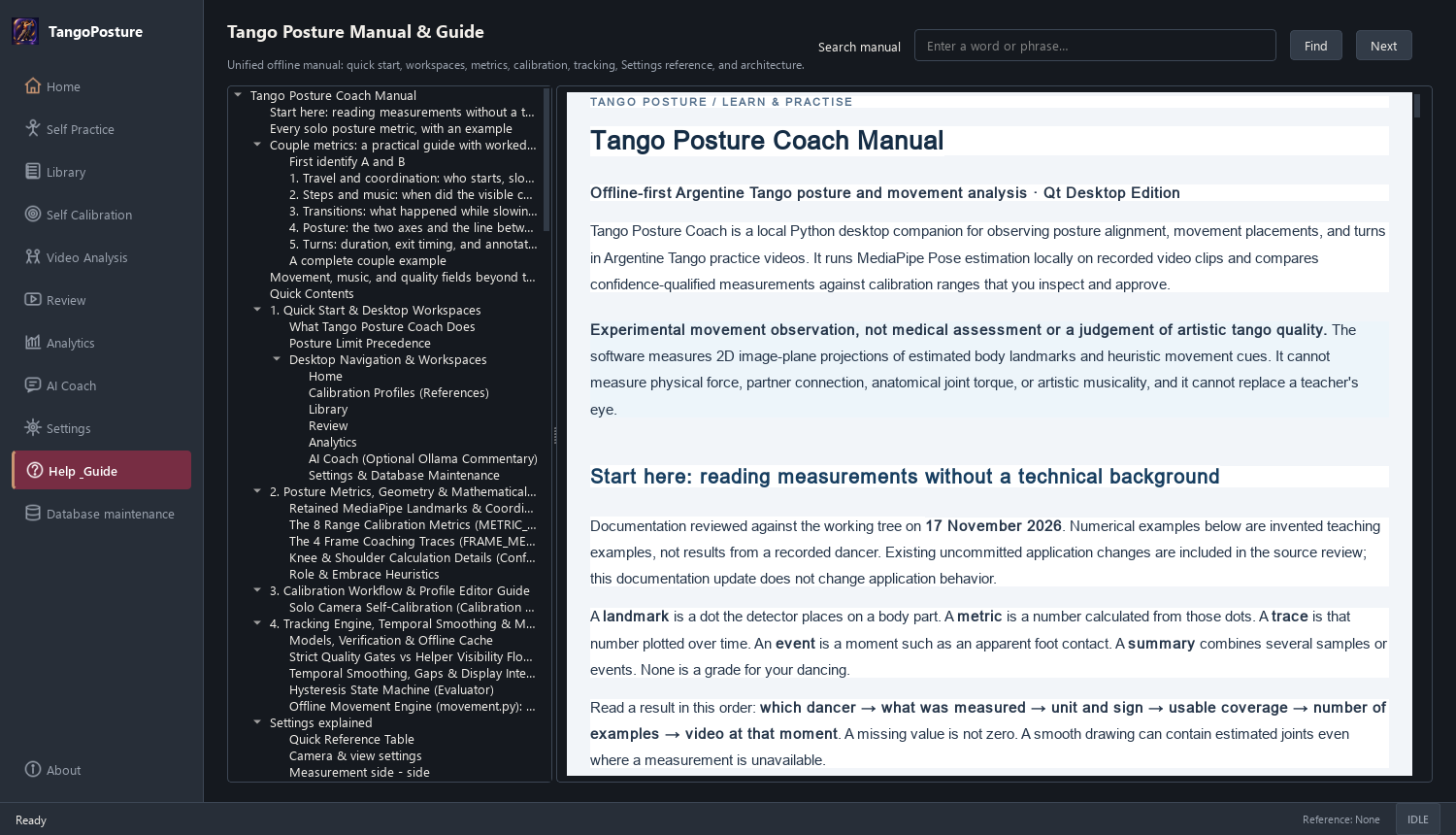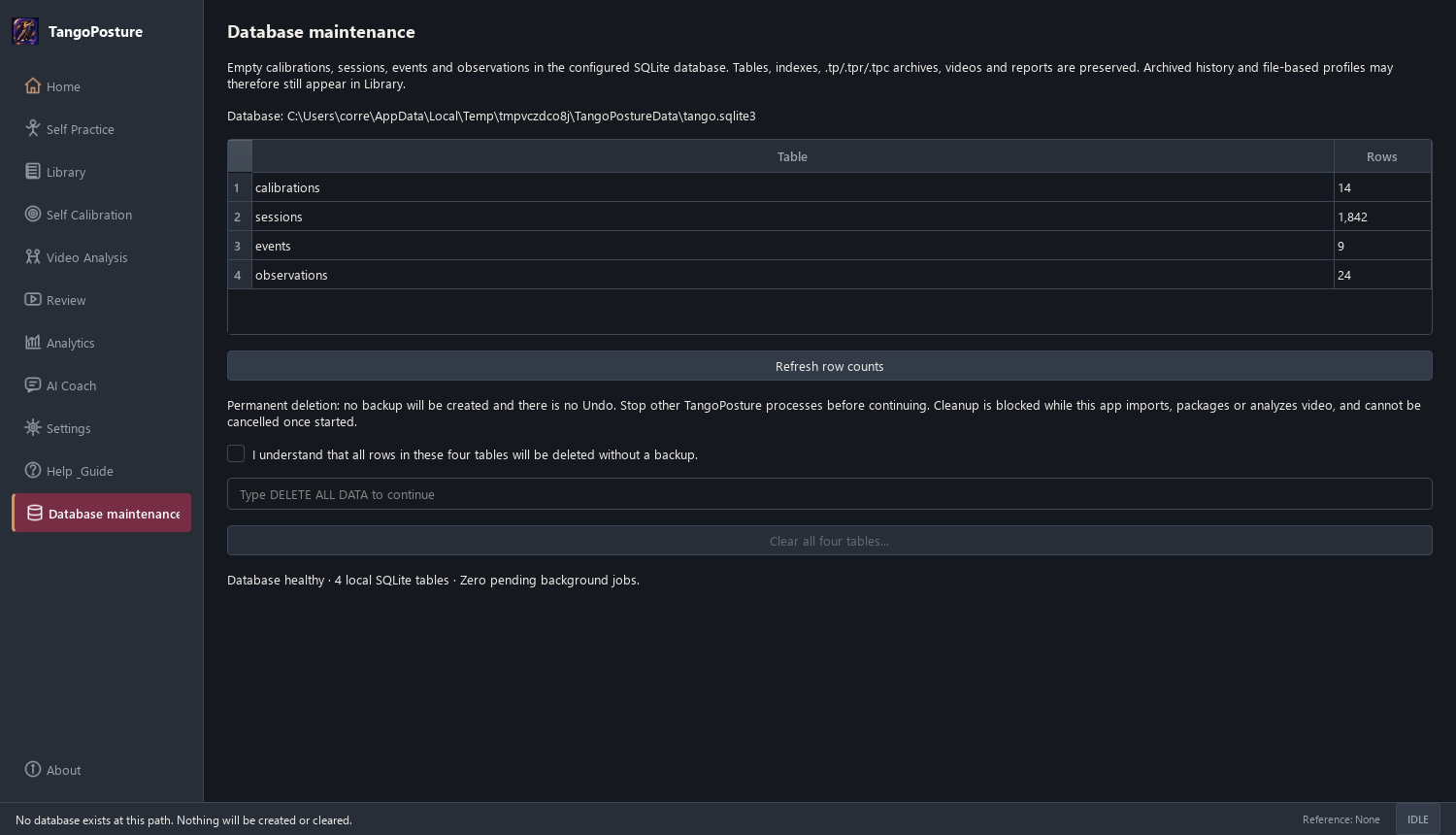
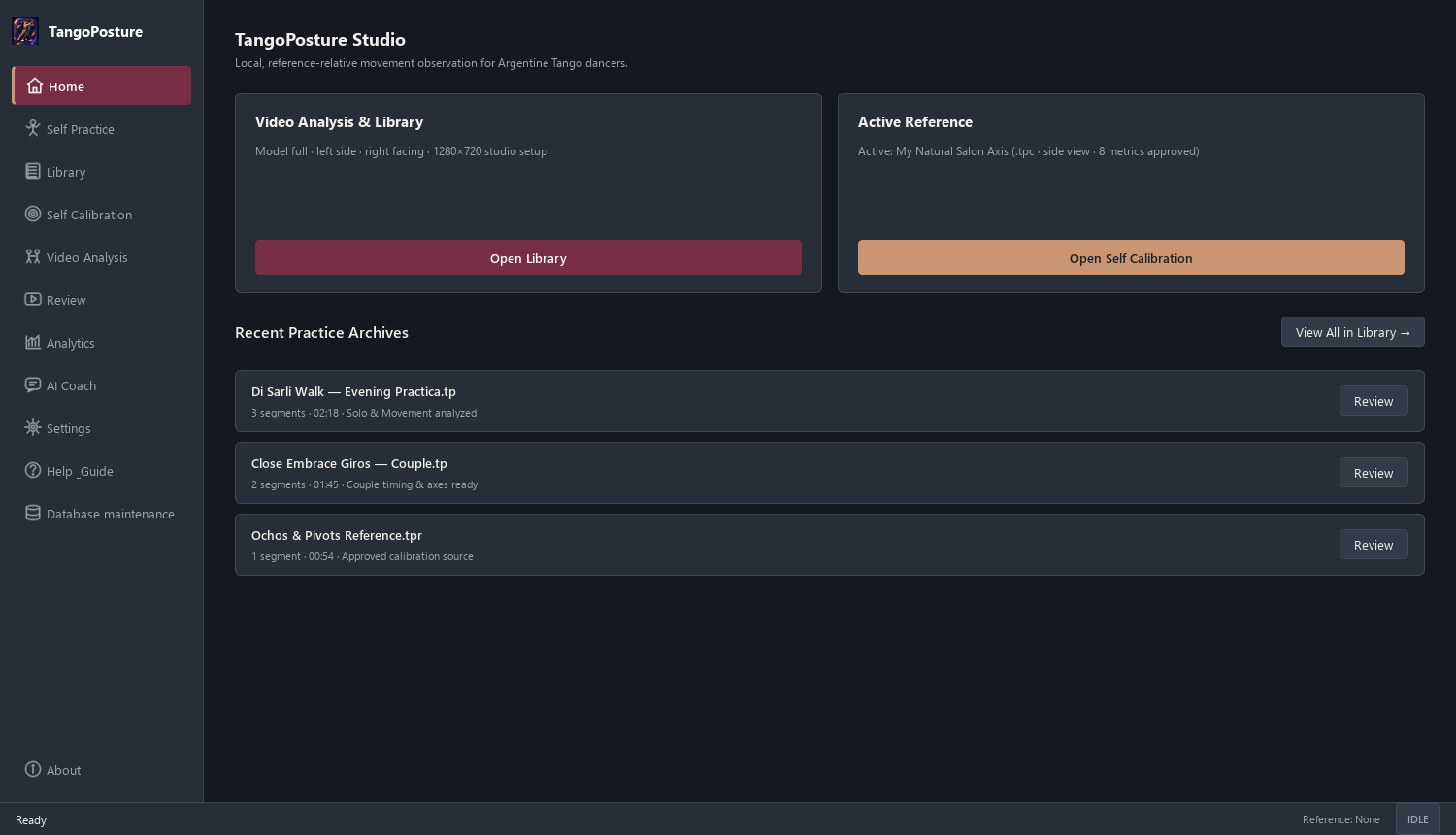
TangoPosture logo TangoPosture Studio Studio Menus & Capabilities Guide
Visual Studio Tour · All 11 Workspaces + About

Every TangoPosture Studio Menu & What You Can Do Inside

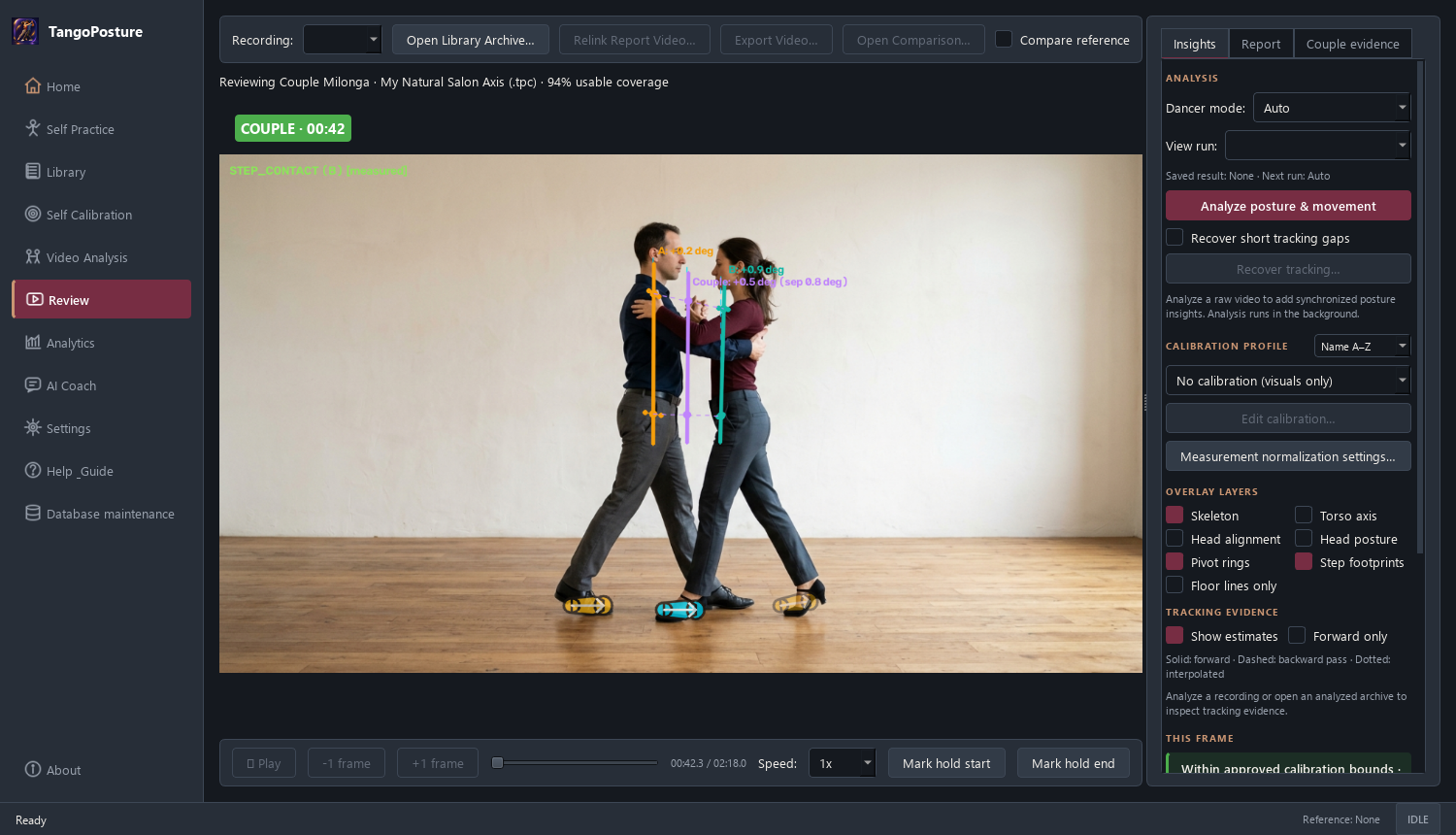
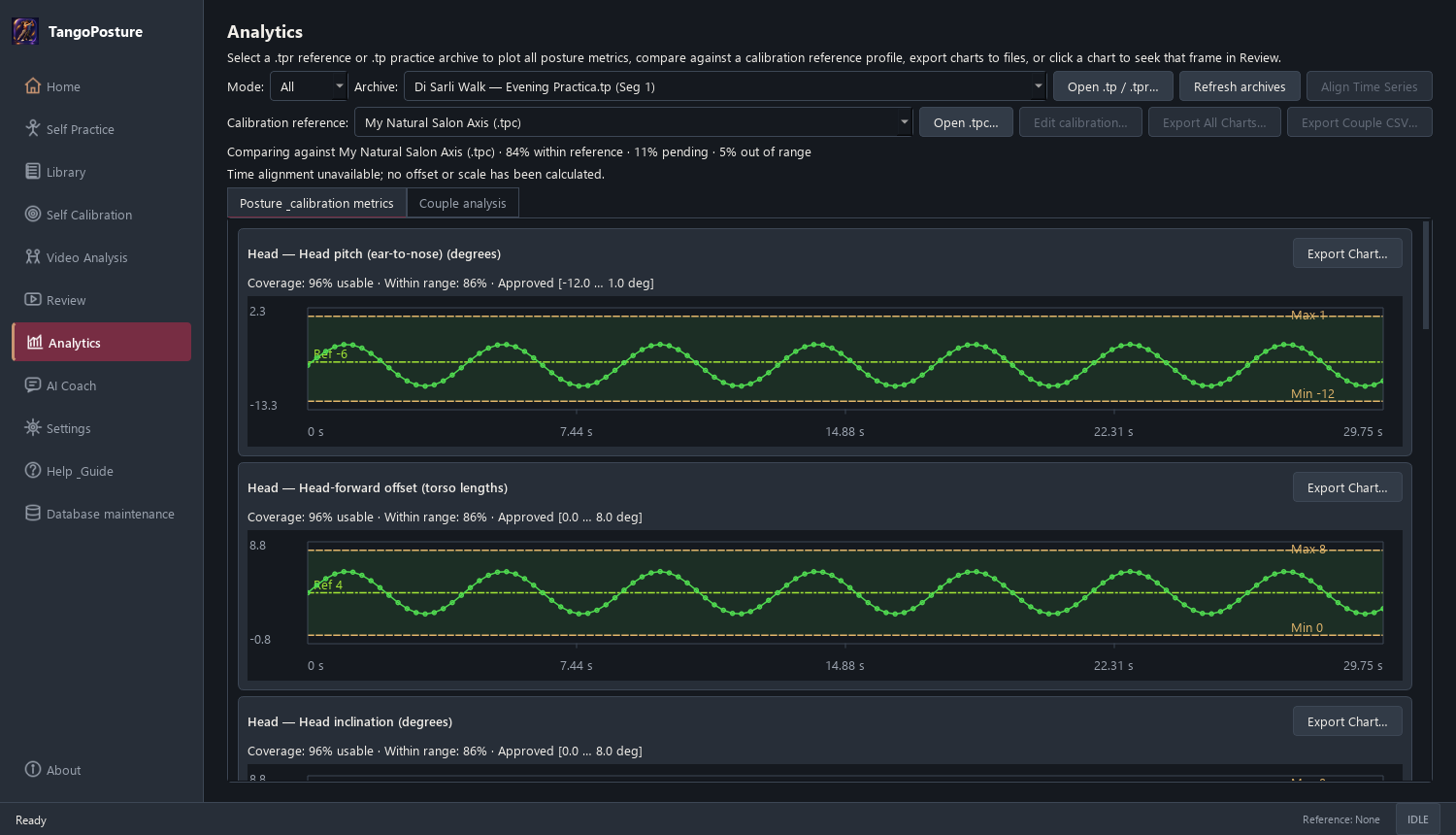
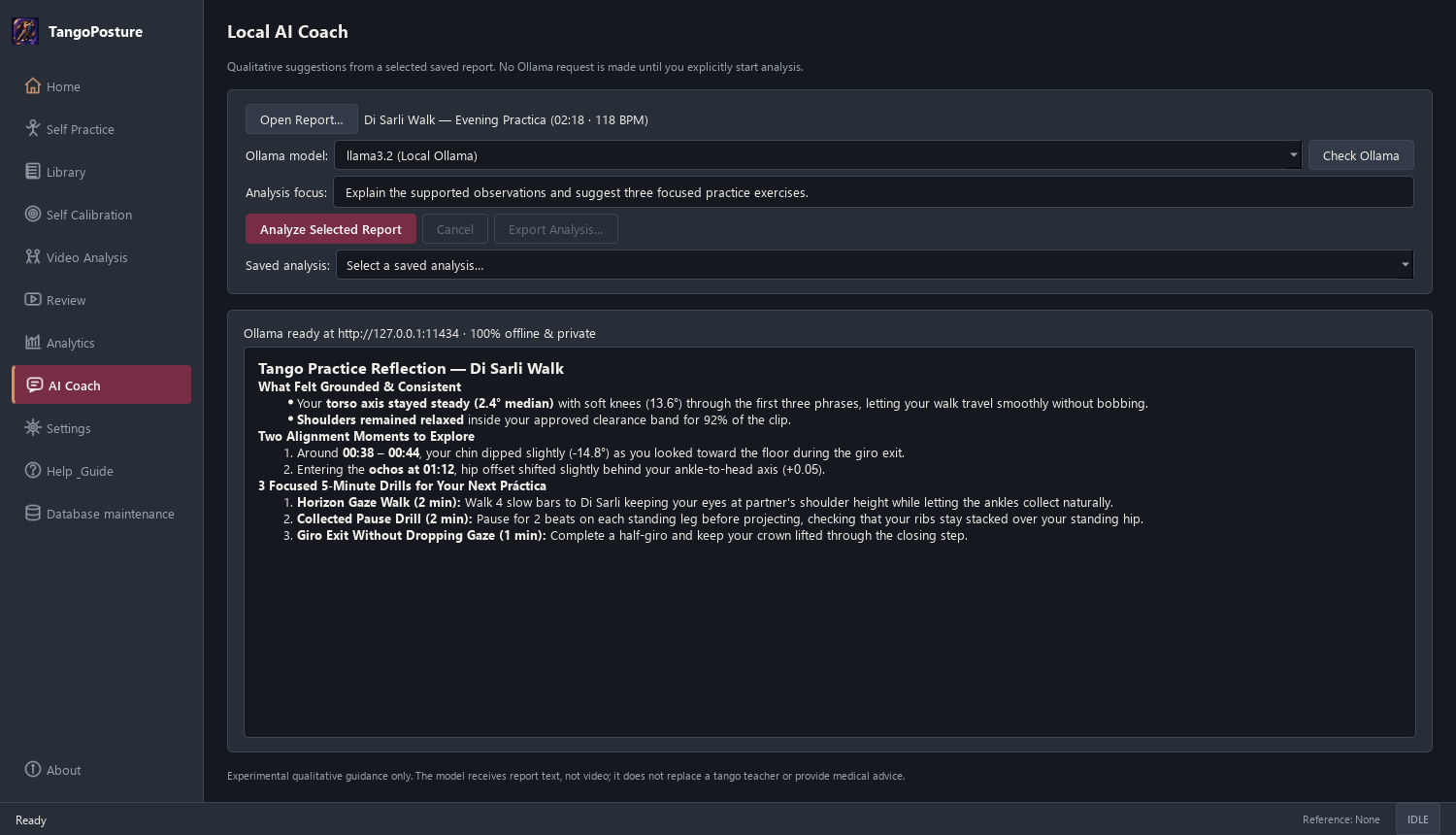
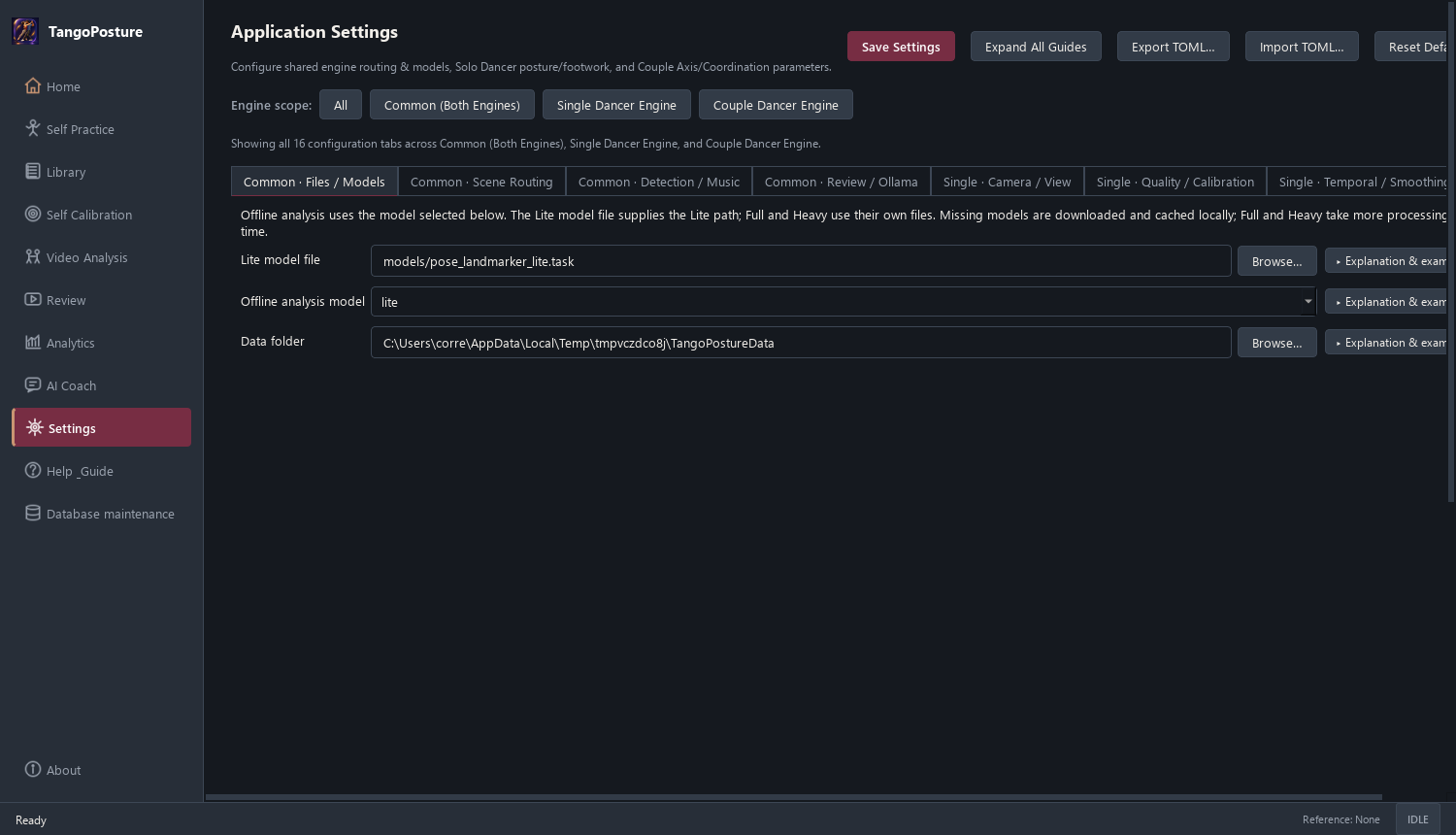
Walk through every screen in the left navigation rail—with real Studio snapshots, plain-English explanations of every button and toggle, and practical dancer tips for solo and couple practice.

Before You Begin

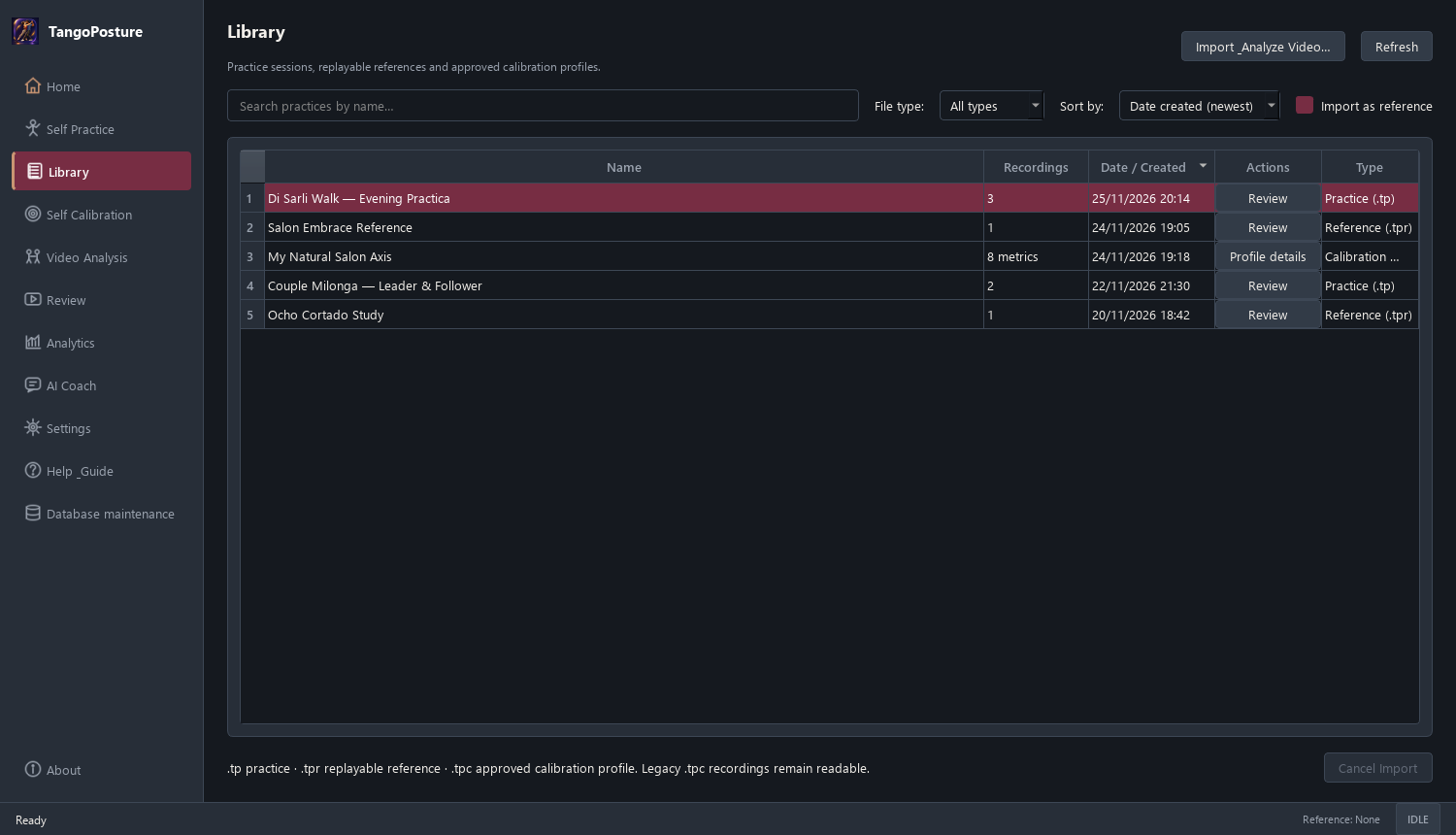
Your 3 Studio File Types in Plain English

TangoPosture keeps your original camera videos safe and packages your work into three self-contained archive files stored locally on your machine:

.tp — Practice Session

A recorded tanda or practice clip from Self Practice or imported video, holding the raw video, pose overlays, and session notes.

.tpr — Replayable Reference

A curated clip (from your best walk or a maestro video) marked as a source for building personal posture ranges.

.tpc — Calibration Profile

Your approved personal comfort ranges (Min / Max bounds per metric and camera angle) created in Self Calibration or the Calibration Editor.

Quick Keyboard Navigation Jump between any of the 11 menus instantly using Ctrl+1 through Ctrl+11 on Windows/Linux (or Cmd+1 through Cmd+11 on macOS).